Dark Labyrinth
Control Mouse Sensitivity
Now you can change the mouse sensitivity! This gives you more control when aiming to kill monsters.
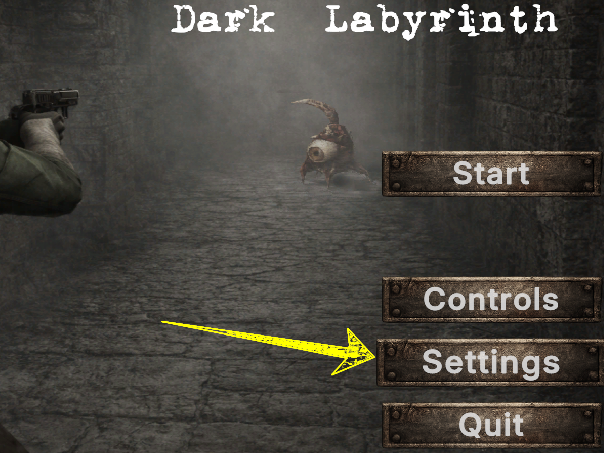
1) Enter in the settings menu.
2) Use the slider to adjust mouse sensitivity. Values can range from 3 to 20.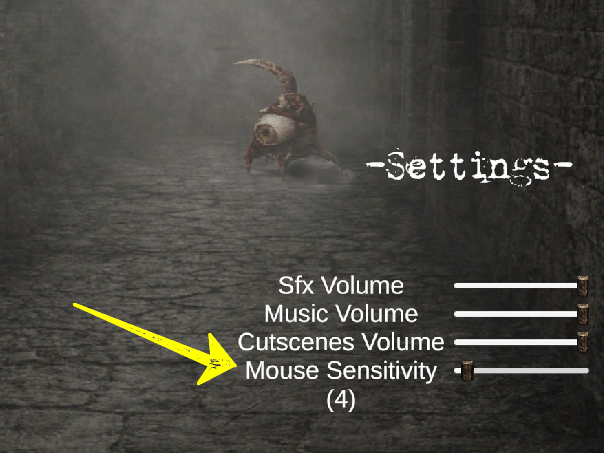
If you have any question let me know in the comments
Leave a comment
Log in with itch.io to leave a comment.